
AI correction, duplicate detection, and highlight detection can be handed to an agent that can read and write local files. Activate HaoCut first.
- Open the relevant AI dialog and enter a manuscript or highlight rules if needed.
- Click Hand over to AI Agent to copy the task prompt.
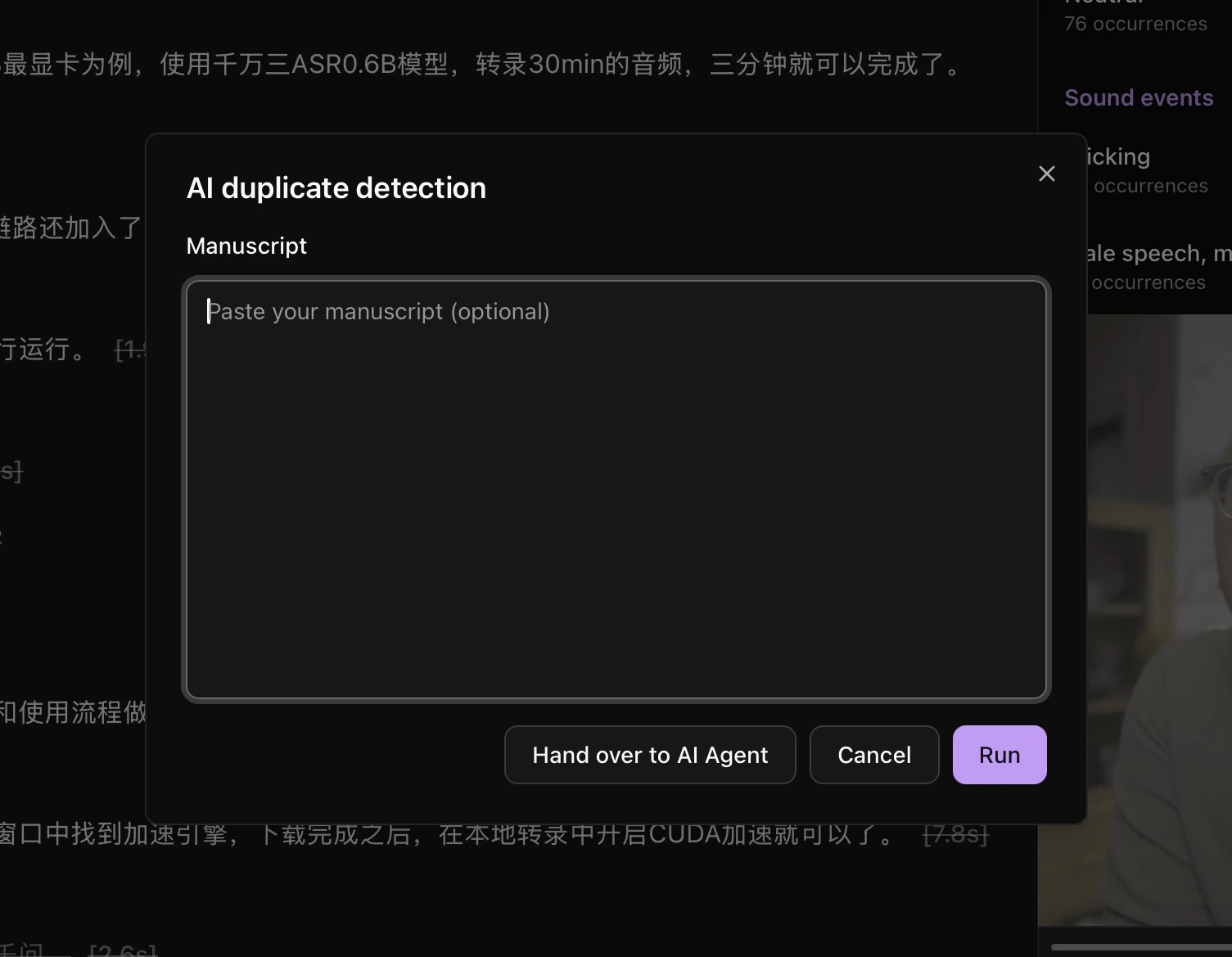
- Paste the prompt into Codex or another agent and let it process the local task file as instructed.
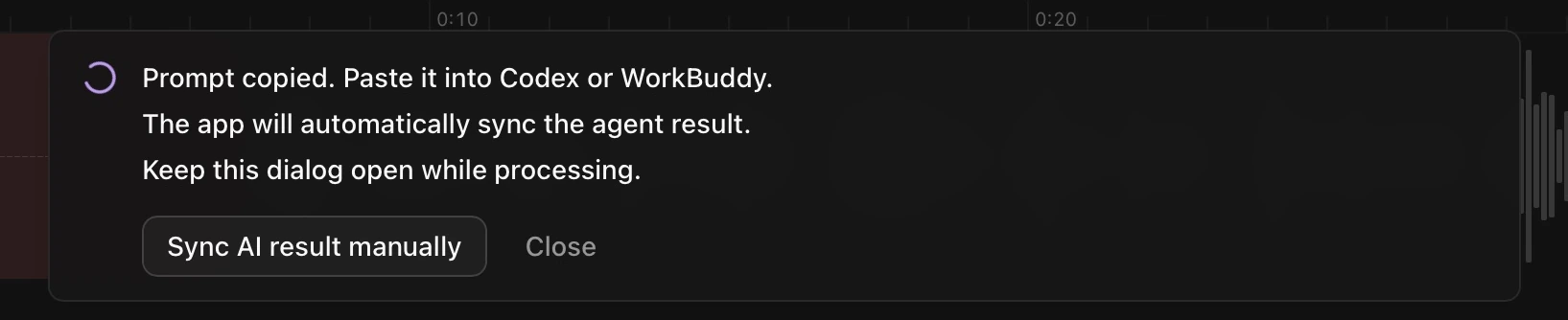
- Keep the HaoCut dialog open while waiting for automatic synchronization. If the agent finishes but the result has not appeared, click Sync AI result manually.
- Review the result: check correction replacements, listen to the deletion list for duplicates, or listen to the highlight list.
To stop waiting, click Close in the waiting message, then close the dialog.